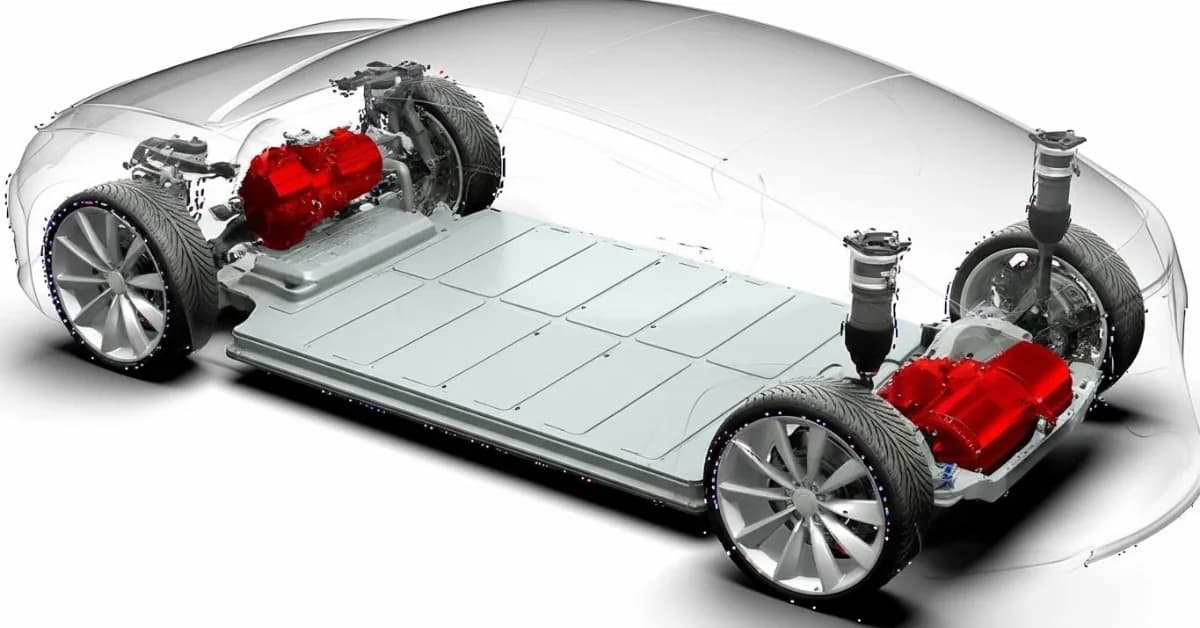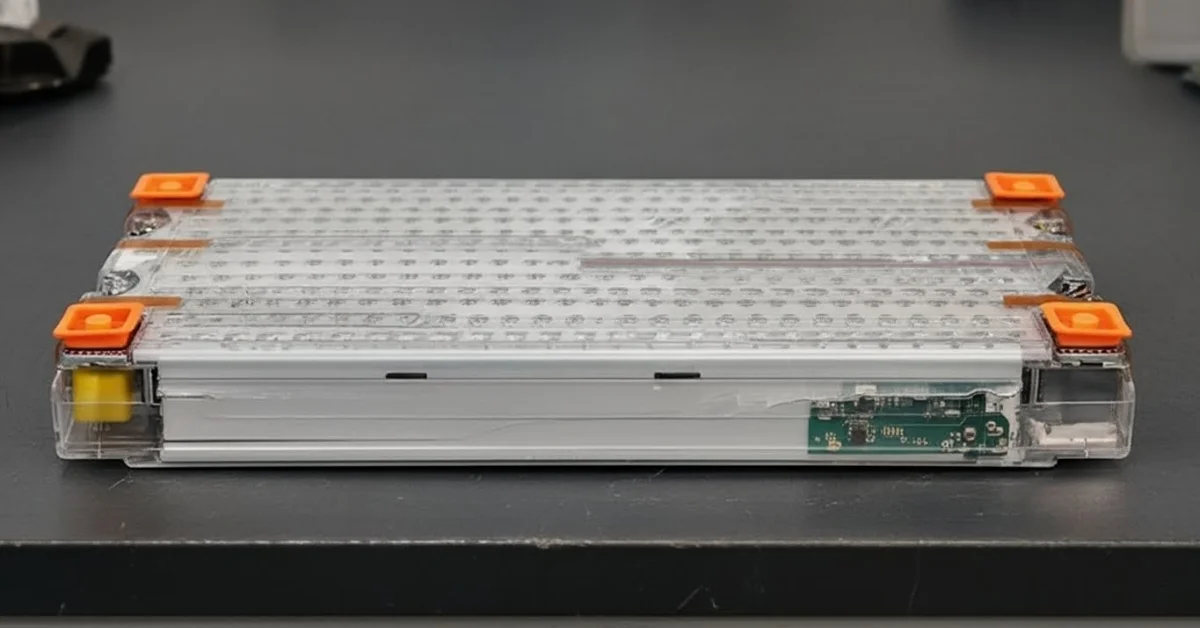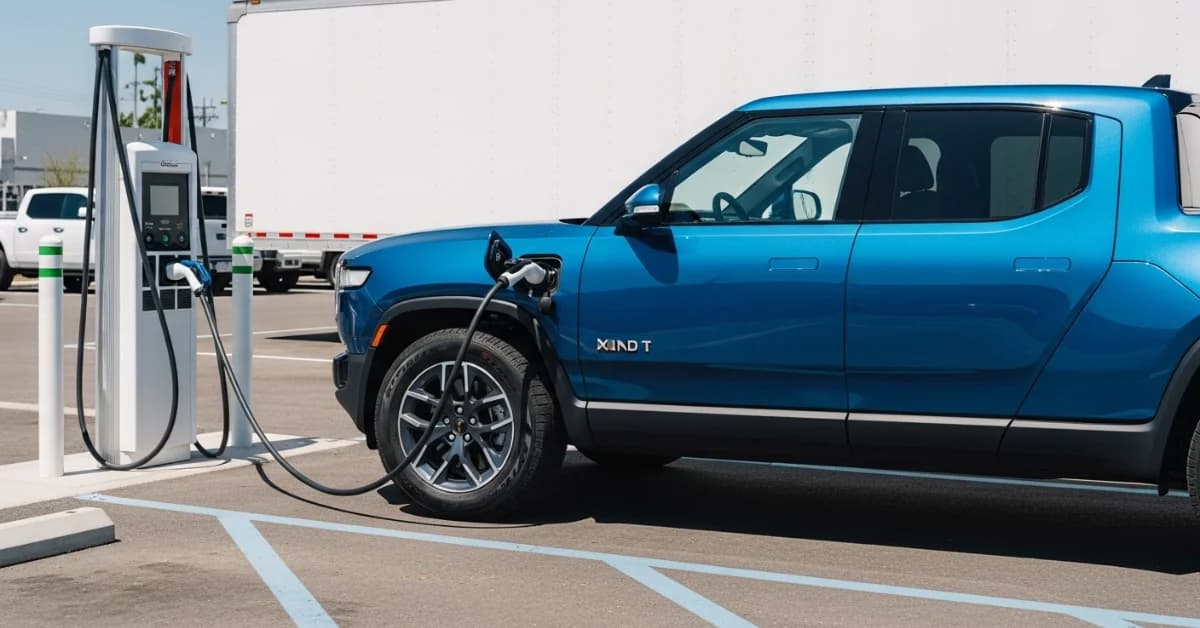
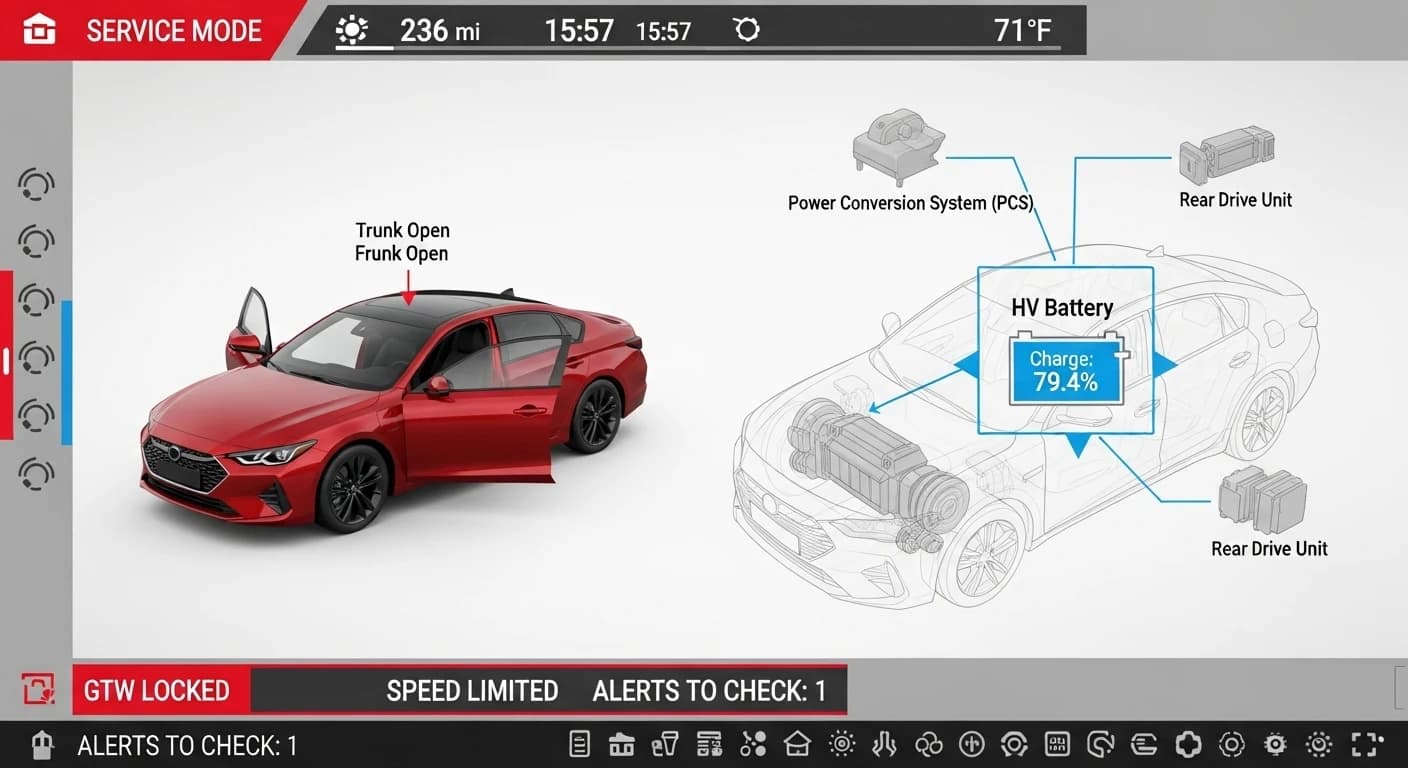
Check Tesla battery health by watching range drop, using the Tesla app’s charging and range info, reviewing the Energy screen, and getting a professional diagnostic when unsure. You want to know your Tesla’s battery health, fast and clear. This guide from Sayara Dubai Car Battery UAE gives easy steps you can do today. No tech talk. Just simple checks and clear next steps.
Why battery health matters for Tesla owners in the UAE
Your Tesla’s battery is the heart of the car. A healthy battery means better range, fewer surprises, and longer life. In hot climates like Dubai, battery care is extra important. Small checks now can save time and money later.
What you can check yourself (no tools needed)
These are the simplest, safest checks anyone can do.
- Look at your daily estimated range.
- After a full charge, note the estimated range. If it falls fast compared to when the car was new, the battery may be aging.
- Use the Tesla app
- The app shows the state of charge and charging history. If charges stop early or charging is inconsistent, that’s a clue.
- Check the Energy app inside the car.
- The Energy screen shows recent consumption. A steady, unexplained rise in energy use can mean the battery is working harder.
- Watch charging time and % gained.
- If a full charge gives you less than usual miles/kilometers, that’s a sign. Also, note if charging takes longer than before.
- Look for warning lights or reduced performance.
- Sudden drops in acceleration or dashboard battery warnings mean you should see a pro right away.
- Monitor temperature behavior
- Batteries like steady temps. If climate control is running unusually long to cool/heat the battery area, it could affect health.
More detailed, but still simple, checks
These need a little attention but no special gear.
- Track range over several full charges. Charge to 100% a few times (only occasionally; Tesla recommends daily charging below 90%) and record the full-charge range. Compare to the expected range for your model and year. A steady downward trend is meaningful.
- Check charging session logs. The Tesla app or car stores recent charging sessions. Look for odd drops or incomplete charges.
Watch battery drains when parked. A healthy Tesla should have low vampire drain overnight. Heavy overnight loss can point to software or battery issues.
When to use a professional diagnostic
If your checks show worrying signs, big range drops, warning lights, or strange charging behavior, get a professional check. **Sayara Dubai Car Battery UAE** offers battery diagnostics and can advise whether you need repair, calibration, or a battery health report.
You might also need pro help if:
- Your car shows an abrupt range drop of 10% or more.
- You see persistent charging errors.
- The car’s performance drops, and warning messages appear.
Tools and reports professionals use (what to expect at a service)
When you bring your Tesla in, technicians will:
- Run a full battery diagnostic.
- Verify State of Health (SoH) and total capacity.
- Test charging ports and thermal management systems.
- Review software versions and logs to rule out software-related drains.
If you’re in Dubai and need more than a check, the team can help with battery calibration and suggest the best maintenance plan.
Quick checklist you can print or save
- Note full-charge range (km or miles).
- Log charging times and % gained.
- Check the Tesla app for charging errors.
- Monitor the Energy screen for unusual consumption.
- Watch overnight battery drain.
- If unsure, book a professional battery diagnostic.
How Sayara Dubai Car Battery UAE helps
At Sayara Dubai Car Battery UAE, we specialize in EV battery care and fast diagnostics. We can:
- Run full battery health checks.
- Provide clear reports and next steps.
- Offer battery-related services or advise if battery repair or replacement is needed.
If you’re on the road and need help, we work with trusted partners who offer roadside and battery support.
Natural services that can help Tesla owners in Dubai
Sometimes battery symptoms overlap with other car issues. If you’re experiencing any roadside trouble, these nearby services can help, naturally linked to what you might need:
- If your Tesla won’t start or charge at the curb, our **Car JumpStart Service** team can respond quickly.
- Low battery or stuck far from help? Our **fuel delivery Dubai** partners and **Roadside assistance** teams can support you while you wait for a battery diagnosis.
- If the car can’t be driven safely, we arrange **car towing service Dubai** or **Car Recovery Dubai** to move your Tesla to a specialist.
- Strange electrical behavior sometimes comes from alternators or wiring. In those cases, our **CAR ALTERNATOR & DYNAMO REPAIR SERVICES** technicians can test and repair related parts.
- Flat or damaged tires can make a battery problem feel worse. We can send **a Flat tyre change Service Dubai** or **flat tyre repair Dubai** to get you mobile again.
These services are suggested as practical, natural next steps depending on what you find during your battery check.
Tips to protect Tesla battery health in the UAE heat
- Park in shade or a covered spot when possible.
- Avoid leaving the car at 100% charge for long periods. Tesla recommends setting the daily charge lower for daily use.
- Use pre-conditioning (cooling before driving) while plugged in. This saves battery energy for driving.
- Keep software updated, Tesla software updates often include battery and thermal management improvements.
Final words and next steps
Checking your Tesla’s battery health doesn’t need to be hard. Start with the simple steps above. If anything looks off, contact Sayara Dubai Car Battery UAE for a clear diagnostic and friendly service.
Want us to help now? If you need a quick battery check, towing, or roadside support in Dubai, mention which service you need, for example, car towing service Dubai or Car JumpStart Service, and we’ll guide you to the fastest next step.